
2. Saving
Learn how to save a file in emacs using keyboard shortcuts
Category: Introduction to Terminal
Saving files in emacs
To save a file in emacs, use Ctrl + x, Ctrl + s.
Create a new file /root/0x02_emacs/saving. using
emacs /root/0x02_emacs/saving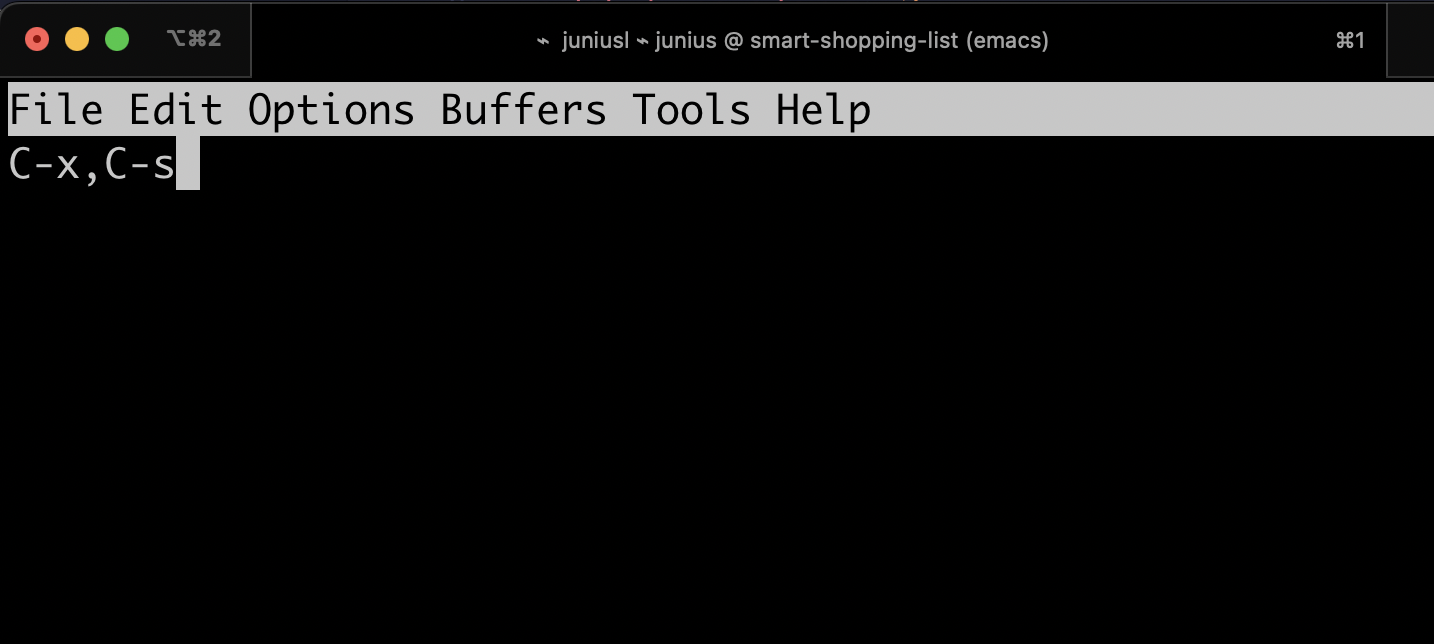
Then type Ctrl + x, Ctrl + s to save the file.
To type C-x C-s, hold down CTRL, press x and then press s. Now release CTRL.
Verify the changes by running the cat command.
cat /root/0x02_emacs/savingThe above command will display the content of the file, in the terminal.