
1. Opening
Open a file in emacs using keyboard shortcuts
Category: Introduction to Terminal
Opening files in emacs
To open a file in emacs, use Ctrl + x, Ctrl + f.
At the bottom enter the path to the file you want to open. /root/0x02_emacs/opening
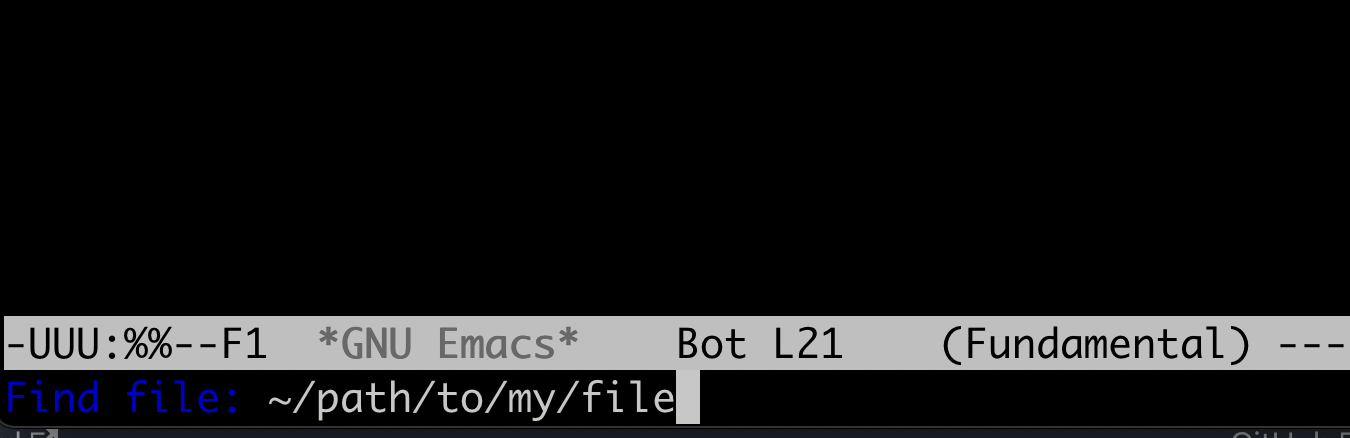
Enter the command to open the file
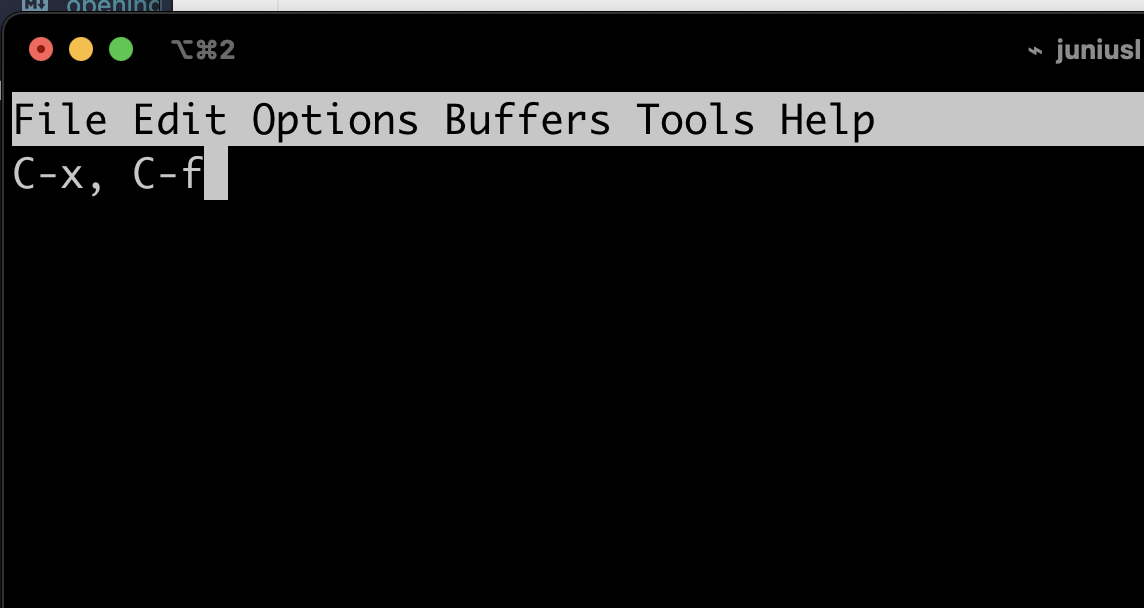
To type C-x C-f, hold down CTRL, press x and then press f. Now release CTRL.